Envoy Electric Car Share Available At
W Hollywood
Electric Car Share at W Hollywood
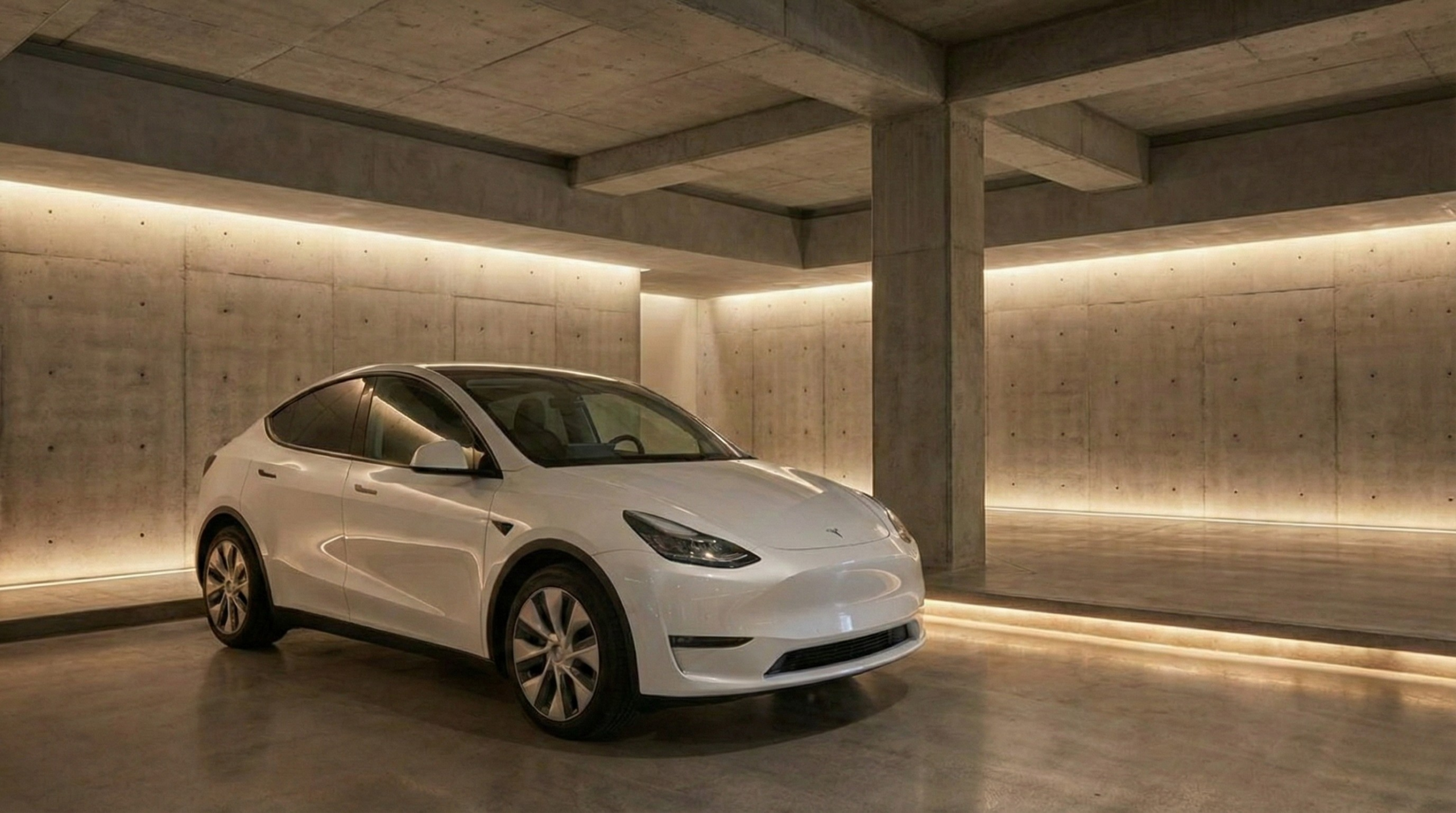
Envoy at W Hollywood brings app-based electric car share directly to hotel guests in the heart of Hollywood. Located steps from Hollywood Boulevard and the Capitol Records Building, W Hollywood offers on-property access to a Tesla Model Y, available to reserve by the hour or day through the Envoy Mobility app. Whether you’re heading to Santa Monica, Malibu, Griffith Park, or Downtown LA, skip the car rental counter and go straight from valet to your destination. No membership required. No car rental required. Download the Envoy app to get started.

How the Envoy App Works
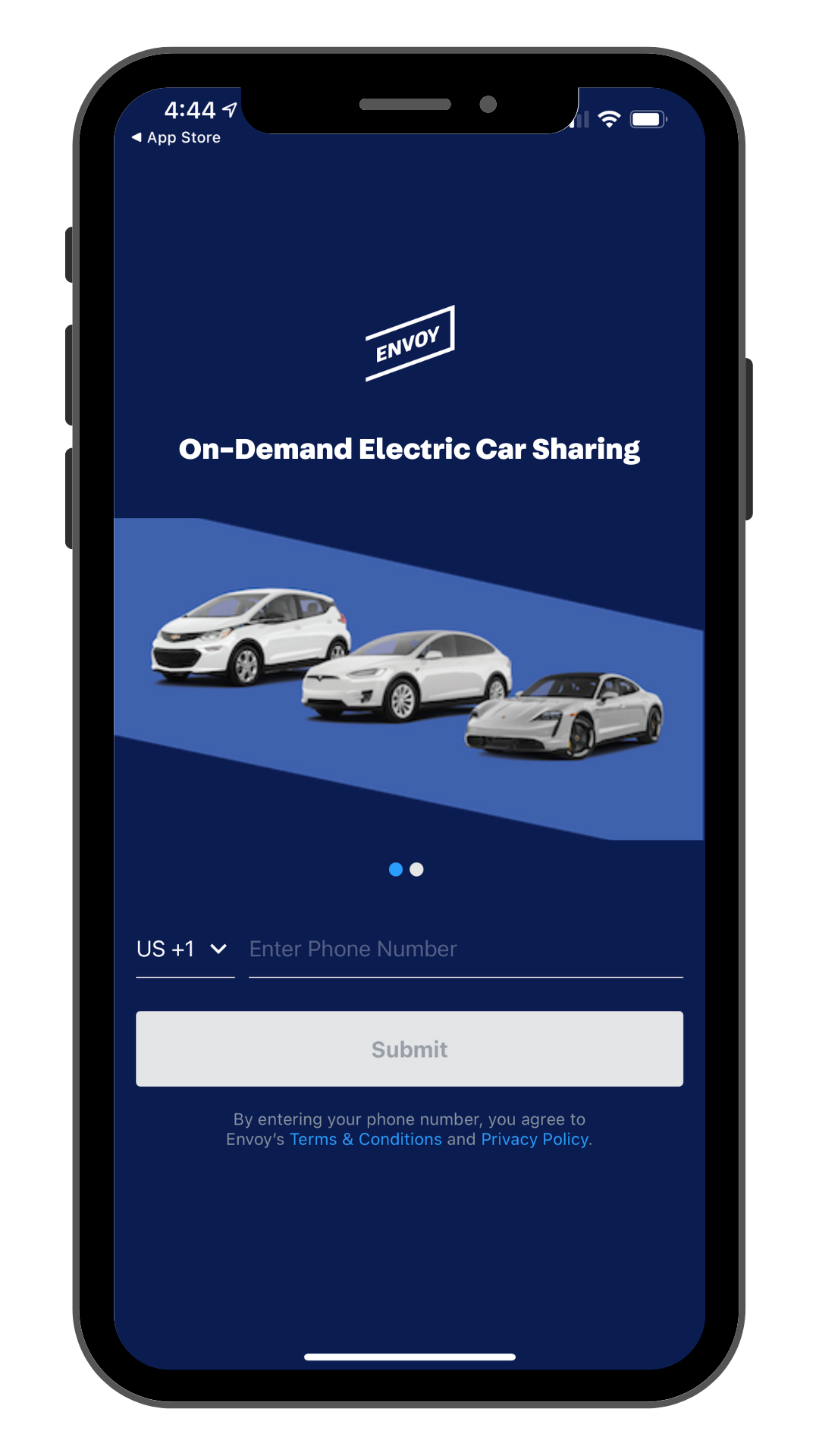
Create Your Account
Download the Envoy Mobility app from the App Store or Google Play, create your account, upload your driver’s license and get ready to select your ride!
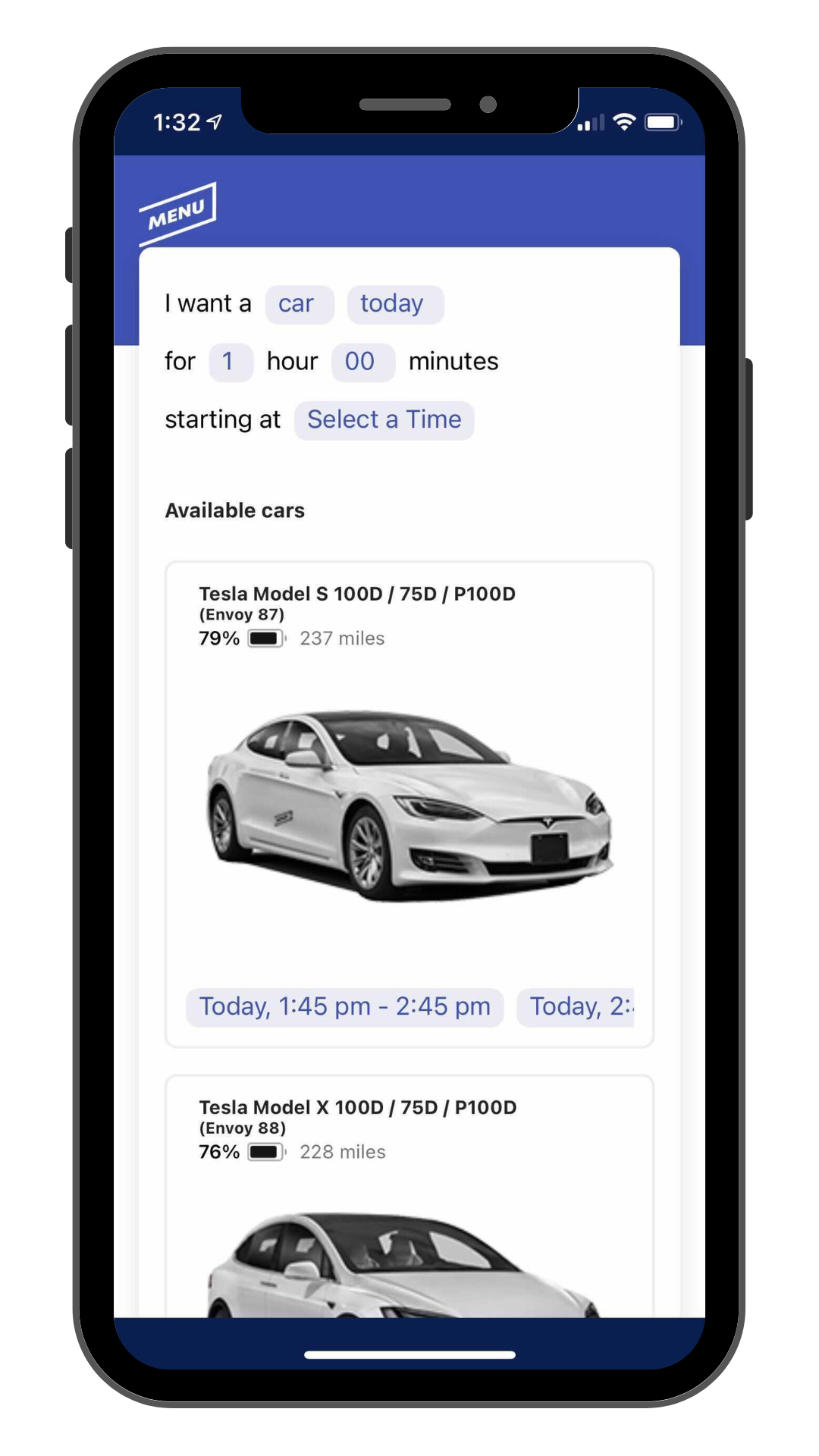
Booking Your Ride
Need wheels? Book by the hour or day and even reserve your ride in advance! Payment is a cinch — just enter your card info, confirm, and use your phone to lock, unlock, and go!
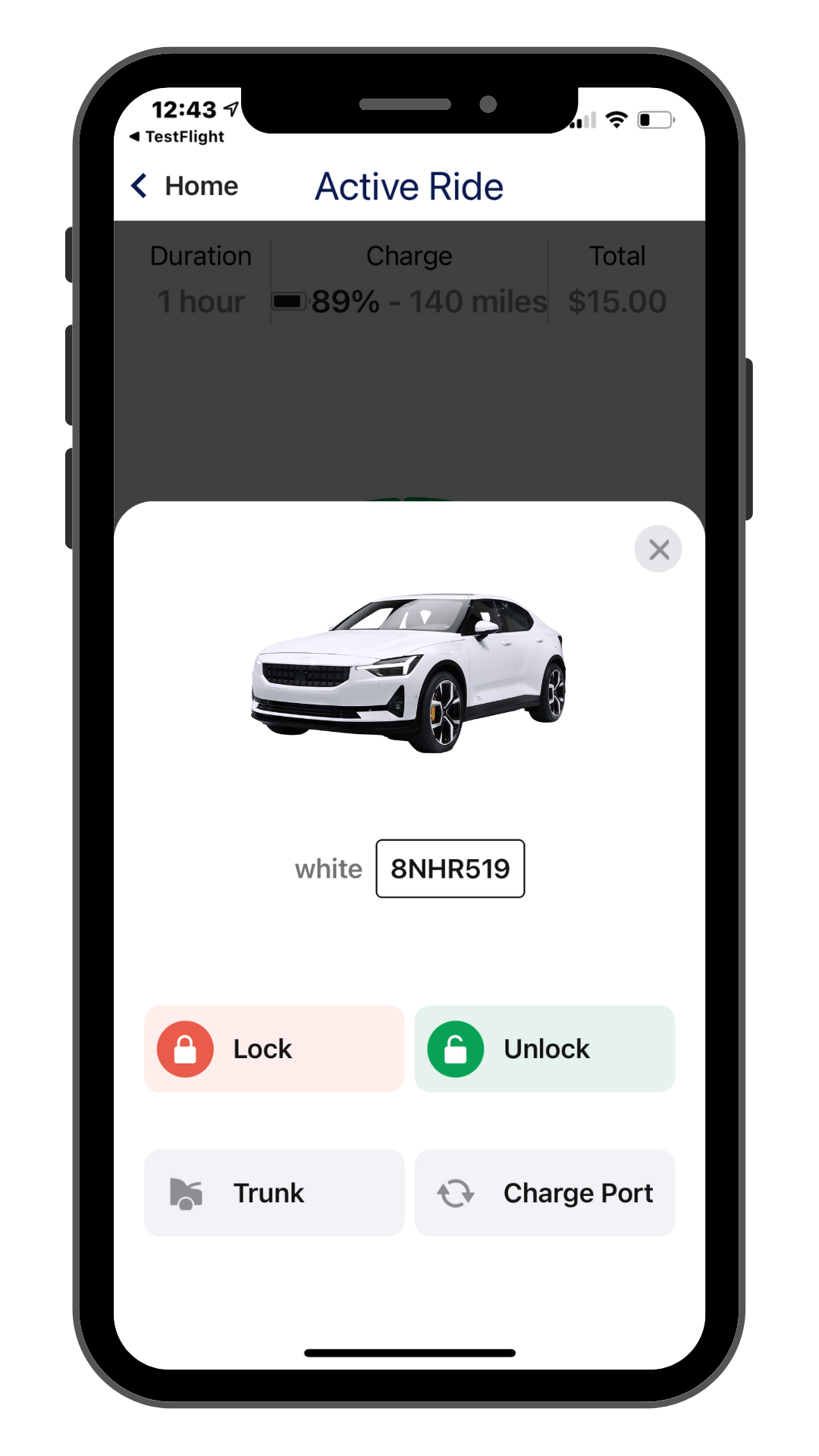
Wrapping Up
When your adventure ends, plug the charger into the vehicle, lock it, and tap “End Reservation” in the app. If anything goes awry, report it through the app or contact customer support.
Pick Up and Drop Off
- Reserve your Tesla Model Y through the Envoy Mobility app.
- Once your reservation is confirmed, start your Envoy reservation and check in with the valet to pick up your vehicle.
- At the end of your reservation, return the vehicle directly to valet and end your reservation using the Envoy Mobility app.
- Enjoy the ride!
Your App Experience
Tesla Model Y Basics
Estimated Range: 303 miles with a full battery. Check the touch screen for your current battery level before heading out.
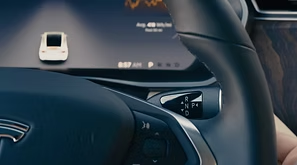
Gear Shifter
The gear shifter is on the right side of the steering wheel. Push down for Drive, push up for Reverse, and press the side button for Park. Press the brake pedal to start — no key needed.
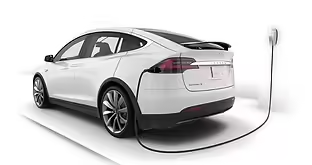
Charge Port
The Tesla charge port is located in the left rear tail light. Tap the light to open it, or open the charge port from the touch screen. At non-Tesla chargers, use the included adapter — keep the adapter with the vehicle at all times. A $100 fine applies if lost.
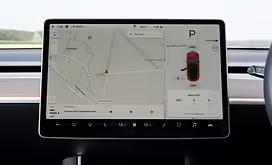
Touch Screen
The touch screen controls nearly everything — door locks, charge port, navigation, and finding nearby chargers. If the screen displays a “Tap Card” message, press Unlock in the Envoy Mobility app to proceed.
Frequently Asked Questions
By Our Guests
Car Share Etiquette - Penalties and Fines
Please be a good neighbor and considerate of the next driver! When you return the car, take out all trash, wipe down the inside of the car and remove your belongings. If you hit an extra dirty patch of road, you could be extra nice and get the car washed! Remember to plug the car into the Envoy marked charger so it is ready for the next driver.
Please read our Terms & Conditions for complete information on misconduct and penalties.
How long does it take for my license to be approved?
Most states take about five minutes. Call the license verification team at (888) 610-0506, Option 2 to check your status at any time.
How do I reserve and pay?
Enjoy cashless reservations and payments — everything is handled through the Envoy Mobility app. Just enter your payment info during account setup and book your vehicle directly in the app.
How does the app work?
Steps:
Download the Envoy Mobility app from the App Store or Google Play Store.
Create Your Account: Enter your phone number and email.
Register: Upload your driver’s license and credit/debit card and take a selfie so we know you’re you.
Add Location: Select your location from the drop down search menu and input the property code given to you at check-in.
Book a vehicle by the hour or day: Select your location to see available vehicles. Choose your date and duration, then use the scroll bar to select from available time slots. Once approved, click Begin Reservation or Start Ride to unlock the vehicle. Use the app to lock and unlock the car during your booking. The Envoy Mobility app comes equipped with Bluetooth for access without mobile phone reception.
Ending Reservation: Return the vehicle to the valet, plug the charger into the vehicle, click End Reservation in the app and follow the prompts to submit. Once the Thank You page appears, you’re all set!
How do I unlock the vehicle?
It’s easy! Set up your account by downloading the Envoy Mobility app, registering your account, and creating a vehicle reservation. Next, use the in-app lock and unlock buttons to lock and unlock the car.
Do I have to return the vehicle to where I found it?
Yes, all Envoy electric vehicles are round trip and must be returned to their pick up location — the valet at W Hollywood.
What if I need to modify or cancel my booking?
You can easily modify or cancel through the Envoy Mobility app or by contacting customer service. If you modify or cancel in advance, there are no fees. If you cancel within 1 hour of your booking, 50% of the original booking fee will be charged. If you do not show up within 15 minutes of your start time without canceling, the full reservation amount will be billed.
How far can I drive?
The Tesla Model Y has an estimated range of 303 miles with a full battery, giving you plenty of room to explore Los Angeles and beyond. Check the touch screen for your current battery level before heading out.
Does it work where cell phone service is limited?
Yes. The Envoy Mobility app works via Bluetooth, so even without cell service you will have access to the vehicle through your phone.
What if I can't make it back in time by the end of my scheduled booking?
You can extend your booking through the Envoy Mobility app or by calling customer service. Please be considerate of other guests and plan your trip in advance to give yourself plenty of time to explore.
Do I need to End My Ride when I get back to the hotel?
Yes — tap “End My Ride” in the Envoy Mobility app and return your vehicle to the valet at W Hollywood to complete your reservation.
How much does it cost?
Envoy charges by the hour or by the day. Please check the Envoy Mobility app for current pricing at W Hollywood.
What about insurance?
The driver is covered under Envoy’s state minimum insurance policy. The driver must download the Envoy Mobility app and fully register (upload driver’s license, accept terms and conditions, etc) to be covered. If the driver is not at fault for an accident, Envoy will file the claim with the other driver who is at fault. If the driver is at fault, a basic deductible may apply. A general insurance card can be found in the vehicle.
What happens if I have my own insurance?
Your personal insurance, and/or any other valid and collectible insurance will be “primary” which means it will apply before Envoy’s insurance. Envoy’s insurance, subject to terms and conditions, will cover excess of yours and/or any other valid and collectible insurance.
How much does it cost to charge the car?
Standard Charging: You can charge your Envoy car for free using the designated charger on property. Just plug it in and make sure the connection is secure and the charge has started.
If you charge at a public charger while out, you are responsible for any fees incurred.
Tesla Supercharging: If you choose to charge at a Tesla Supercharger Station while on the road, you will be responsible for the full amount upon return. Superchargers automatically bill Envoy when you connect the car, and we will send you an email after the session to notify you of the charge and process it through your card on file.
What if I get stuck somewhere?
Don’t worry! Call the Envoy Customer Support Line at (888) 610-0506 or email info@envoythere.com, available 7am to 11:45pm PST. If you’re unable to reach us, contact Tesla Roadside Assistance directly at 1-877-798-3752.
Please note: it is the driver’s responsibility to manage the battery range of the vehicle and return it to its Envoy parking space. Drivers may be liable for a $100 fine plus towing fees (see terms). The battery level and estimated mileage range is shown on the vehicle dashboard.
What do I do if I'm in an accident?
If it is an emergency, call 911. There is a general insurance card in the glove compartment of the car, if needed.
Once everyone is safe, please fill out the accident report on this page and contact Envoy via the Support section of the app.
Can I smoke in the car?
No smoking of any kind, including vaping, is permitted in any Envoy vehicle. This applies to all drivers and all passengers. You will receive a fine per occurrence plus the costs of cleaning and repair if the vehicle is returned with a smoke smell or burn stains. Please read our Terms & Conditions for a full explanation of all penalties and fees.
Have more questions? Visit our full FAQ page, email us at info@envoythere.com, or call (888) 610-0506. For license approval questions, call Option 2.